








The work format is dictated by the day’s tasks
When working outside the usual workplace, it is worth thinking in advance about which tasks will dominate the day. Some days, it is enough to reply to a few emails, while other days require editing documents, preparing presentations, or joining video meetings. This also determines what kind of device will be needed – if most tasks can be done on one device, it is not always necessary to carry a laptop.
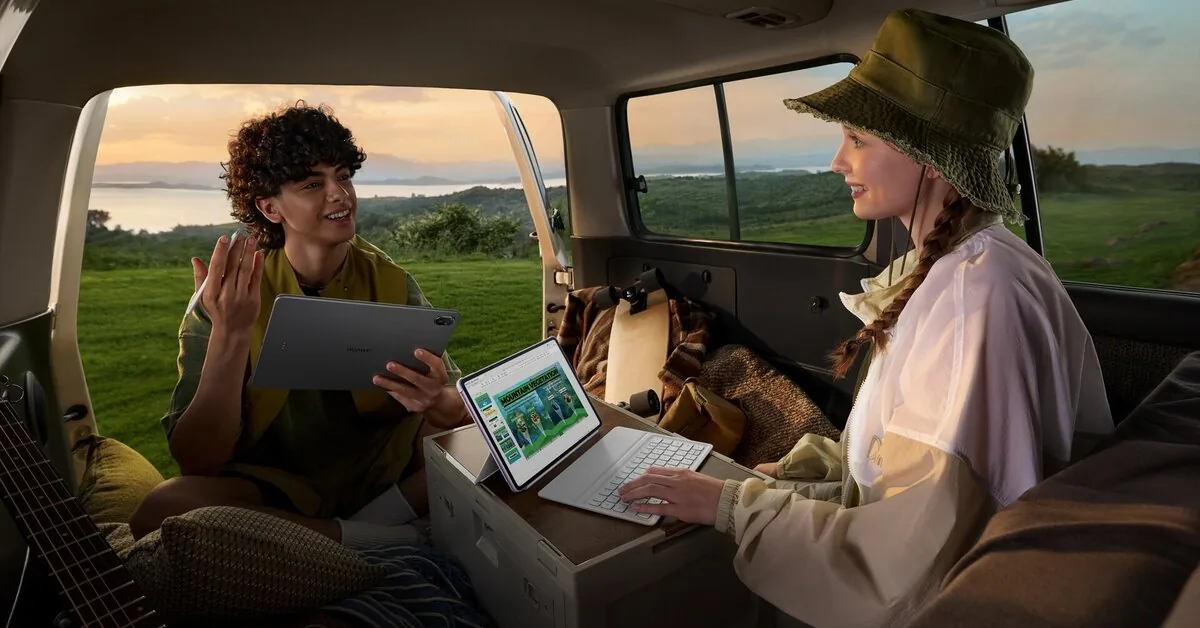
If most of the day will be spent writing, a keyboard and a comfortable screen position will be useful. Clear sound and a quality camera are important when waiting for video meetings, and when working on the go or outdoors – long battery life and good screen visibility. The “Huawei MatePad 11.5” is designed for such situations and, depending on the day’s tasks, can be a lighter alternative to a laptop.
According to Urte Eidžiūnaitė, the product training manager for the technology company “Huawei” in Lithuania, when choosing a device for a summer workday, it is important to consider not only the location but also the tasks to be performed.

“Remote work is often viewed through the prism of mobility, but just being able to work from another place does not mean it will be comfortable. The biggest difference arises when tasks take longer than a few minutes: then it is important to see more information, write comfortably, join meetings, and not interrupt work due to technical inconveniences,” says U. Eidžiūnaitė.
One screen for multiple tasks
For longer work tasks, a phone is often no longer enough. When editing documents, preparing presentations, writing longer texts, or participating in video meetings, it is important to have more space for work. The “Huawei MatePad 11.5” has an 11.5-inch 2.5K screen, making it more convenient to view documents, presentations, notes, and other work-related information at the same time. During video meetings, it is convenient to follow the conversation, review documents, and note important points on the screen without switching between different devices.
Not only the screen size but also its surface is important. When reading longer texts, reviewing presentations, or working in bright environments, reflections can quickly become inconvenient. The “PaperMatte” screen version helps reduce them when working by a window, on a terrace, or while traveling, making the screen easier to see even in challenging lighting conditions.
Read more Gitanas Nausėda spoke about new threats from Russia: we are receiving signals from the services
“People often underestimate how much the device format matters. It is one thing to quickly read a message on a phone, quite another to review a document, follow meeting materials, or take notes. A laptop offers more possibilities than a phone, but for some summer workdays, a lighter format with a larger screen for content and less load on the backpack is enough,” says U. Eidžiūnaitė.
From long texts to evening plans
For longer writing or document editing, the screen alone is not always enough. In such cases, a detachable smart keyboard is useful, allowing the tablet to be quickly adapted to different situations: when working at a desk, it can be used for longer texts or document corrections, and when the keyboard is removed, the device becomes convenient again for reading, watching movies, or planning trips.
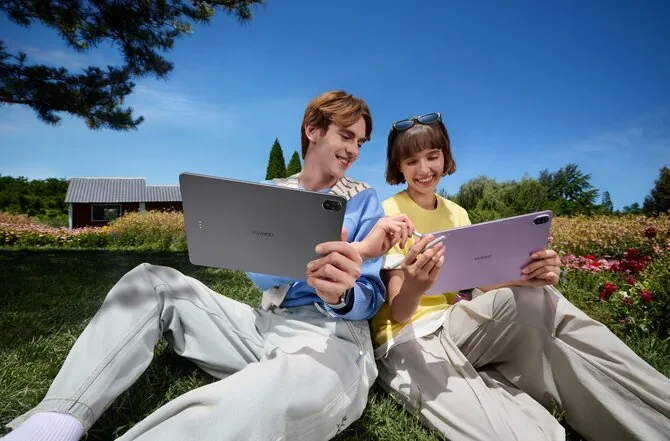
Battery reserve is also important. When working outside the office, it is not always possible to predict when you will find a power outlet, so the device must remain reliable throughout the day. The “Huawei MatePad 11.5” has a 10,100 mAh battery and supports 40 W fast charging, and its weight of about 515 g and thickness of 6.1 mm make it easier to carry between different work or leisure locations.
According to U. Eidžiūnaitė, comfortable work outside the office is usually determined not by one function but by a combination of several solutions. Before leaving, it is worth ensuring that the most important documents are easily accessible on the device or in the cloud, having headphones for meetings, and keeping the charger and necessary cables at hand. It is also useful to assess the internet connection, screen visibility in the chosen location, and whether the device will be convenient not only for work but also for activities afterward.
Such preparation allows for a smoother transition from work to rest and less dependence on a specific place or additional equipment.