









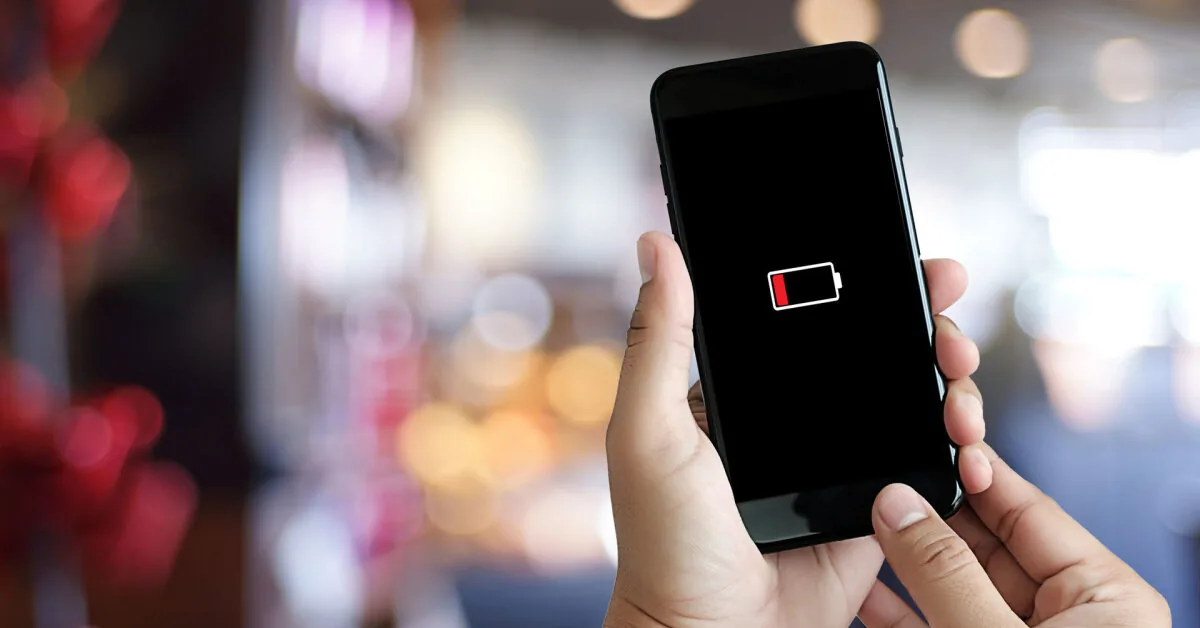
However, phone battery life is not only determined by battery capacity or device age. How the phone is used, under what conditions it operates, and which functions are most heavily loaded at the time are no less important, according to a press release from Telia.
Read more Stock markets were hit by ‘a perfect storm’, oil prices eased slightly
Telia equipment manager Jonas Puodžius says that most people only think about battery life when the screen shows the last few percent of energy, but certain habits can help extend phone operation by even several hours.
“Today, for many, the phone is the main camera. A good decade ago, a dead mobile phone usually meant that you would be unreachable for a while, but now it’s a lost opportunity to capture the most important moments of your vacation. There’s nothing more frustrating than finding yourself in a breathtaking place or waiting for a special moment and realizing that the battery is dead,” says J. Puodžius.
According to him, the phone screen is usually the biggest consumer of battery power. Recent studies show that the screen can account for as much as 20-30% of total daily energy consumption, and maximum brightness used in bright sunlight further increases these costs. Automatic brightness adjustment or slightly reduced brightness often saves a lot of energy and provides extra time for those moments when the phone is most needed for photography or filming.
Navigation apps also remain among the most energy-consuming functions. When using them, GPS, mobile communication, data transfer, and often a screen that is on for a long time operate simultaneously. It is precisely the combination of these factors that makes navigation one of the most demanding phone functions in terms of energy.
“If you are planning more active trips or longer routes, it is worth downloading maps for offline use before the trip. This reduces the need for energy and data transfer and allows you to use navigation even where mobile network coverage is poorer,” advises J. Puodžius.
Apps running in the background
Photography and filming also consume a lot of battery power. Modern phones take photos and videos at very high resolution, use advanced image processing algorithms, image stabilization, and artificial intelligence functions, so when filming for longer, especially in 4K or higher resolution, battery power decreases noticeably faster.
“When on vacation, we often want to capture as many impressions as possible, but long filming, especially at high resolution, significantly shortens battery life. When there is no possibility to quickly charge the phone, it is worth choosing the filming duration and quality settings more responsibly,” says J. Puodžius.
He adds that social networks, email, and other apps running in the background also consume a lot of energy. Even when not actively used, they check for new messages, update content, synchronize photos, and send various notifications to the user.
Read more Armageddon scenes in France: hundreds evacuated by sea due to terrible fires
“It often seems that only the apps visible on the screen consume energy. However, in reality, a significant portion of them work in the background all day. Before a longer trip, it is worth reviewing app permissions and limiting unnecessary background activity. This is one of the simplest ways to save battery without overly restricting phone usage,” notes J. Puodžius.
Heat causes the battery to drain
High ambient temperature also becomes an additional challenge for the phone during summer trips. A device left in direct sunlight can not only drain the battery faster but also start limiting some functions to protect itself from overheating.
According to J. Puodžius, this happens particularly often when using the phone for navigation in a car, filming in the sun, or leaving the device on the car’s dashboard. In such situations, the screen, GPS, mobile communication, and camera operate simultaneously, causing the phone to heat up even more.
“An overheated device consumes more energy, can reduce performance, slow down some functions, and in certain cases even temporarily stop charging until the temperature drops to a safe level. If the phone gets hot, it is important to move it out of direct sunlight, remove a thick protective case, and let it cool down. This will not only help save energy but also protect the battery from faster wear,” says J. Puodžius.
Stable connection – more energy
Another battery energy thief is a weak mobile network signal. In remote areas, mountains, coastal areas, or when traveling abroad, the phone constantly searches for a stronger network connection, which requires additional energy.
“When the connection is poor, the phone works much more intensively. If you know that you won’t need a connection for a while, it’s worth considering turning on airplane mode. Many are surprised how much energy can be saved with such a simple action,” says the expert.
According to J. Puodžius, when preparing for a longer trip, it is worth not only charging the phone but also checking its battery status. In older devices, battery capacity decreases over time, so even by following all saving recommendations, the operating time may be shorter than expected.
“The most important thing is to understand that battery life is not only determined by the phone model or battery age. A lot depends on the users’ habits. A sunset, a child’s first dive into the sea, or a spectacularly lit panorama from a mountain top usually do not repeat themselves. Therefore, when traveling, it is important not only to have your phone at hand but also to take a few minutes to ensure its battery power is sufficient for moments that later become the most precious memories,” summarizes Jonas Puodžius.